coop guide | Updated August 4, 2026
Halo: Campaign Evolved Co-op Guide
Online campaign co-op supports up to four players across PS5, Xbox Series X|S, and PC; console split-screen supports two players.
Online co-op requires each player to link a Microsoft account. Local two-player split-screen works on PS5 and Xbox Series X|S, but not on PC. The fireteam leader's campaign progress determines which missions and Skulls are available.
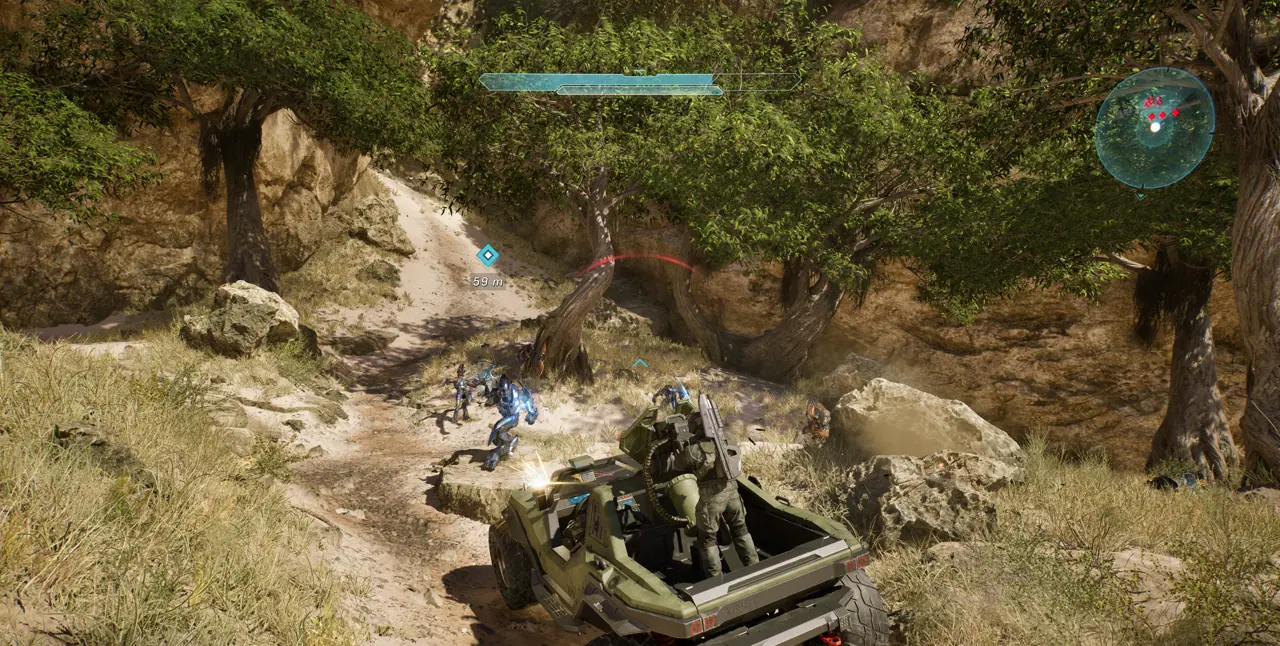
Choose the right co-op mode
Use online co-op when players are on different systems or when your group has three or four people. Use split-screen for two people sharing one supported console. PC does not offer split-screen.
- Online: update every copy of the game and link each platform profile to a Microsoft account.
- Split-screen: connect a second controller and sign in with a second supported account; guest accounts are not supported.
- Let the player with the most campaign progress lead if the group needs later missions or collected Skulls.
Start an online fireteam
Cross-platform friends are found through their Xbox Gamertags, even when they play on PlayStation or Steam. Add the Gamertag, form the fireteam, choose Campaign, then select an available mission or rally point.
- Confirm cross-network permissions are enabled in platform privacy settings.
- Add each player's Xbox Gamertag in the in-game social menu.
- Have the intended progression owner become fireteam leader before selecting the mission.
- Invite the group and wait for every player to show as ready before launch.
Know what progress is shared
Completed missions and rally points, discovered Skulls and Terminals, and earned achievements can sync through the linked account. Mid-mission checkpoints and exact player positions do not sync between separate sessions.
- Finish a mission or reach a rally point before ending a session when possible.
- Return with the same Microsoft account to retain synced unlocks.
- Expect to restart from a rally point if the previous session ended at a temporary checkpoint.
Fix invites that do not arrive
A failed invite is usually an account, privacy, version, or network issue. Check those four items in order before reinstalling the game.
- Verify all players run the latest game version.
- Confirm the platform account is linked to the intended Microsoft account.
- Allow cross-network communication and multiplayer in privacy settings.
- Remove and re-add the Xbox Gamertag, then rebuild the fireteam.
- Check Halo Support service notices if the same failure affects the whole group.
Frequently asked questions
How many players can play online co-op?
Up to four players can play online campaign co-op.
Does PC have split-screen?
No. Split-screen is supported for two players on PS5 and Xbox Series X|S, not PC.
Do we need Game Pass or PlayStation Plus for local split-screen?
Halo Support says split-screen itself does not require Game Pass or PlayStation Plus.
Whose campaign progress controls the lobby?
The fireteam leader's progress controls available missions, rally points, and Skulls.